An illuminated Bible, one evening at a time.
Light a candle. Walk one page of the story of Scripture — five quiet minutes by lamplight, then back to your day.
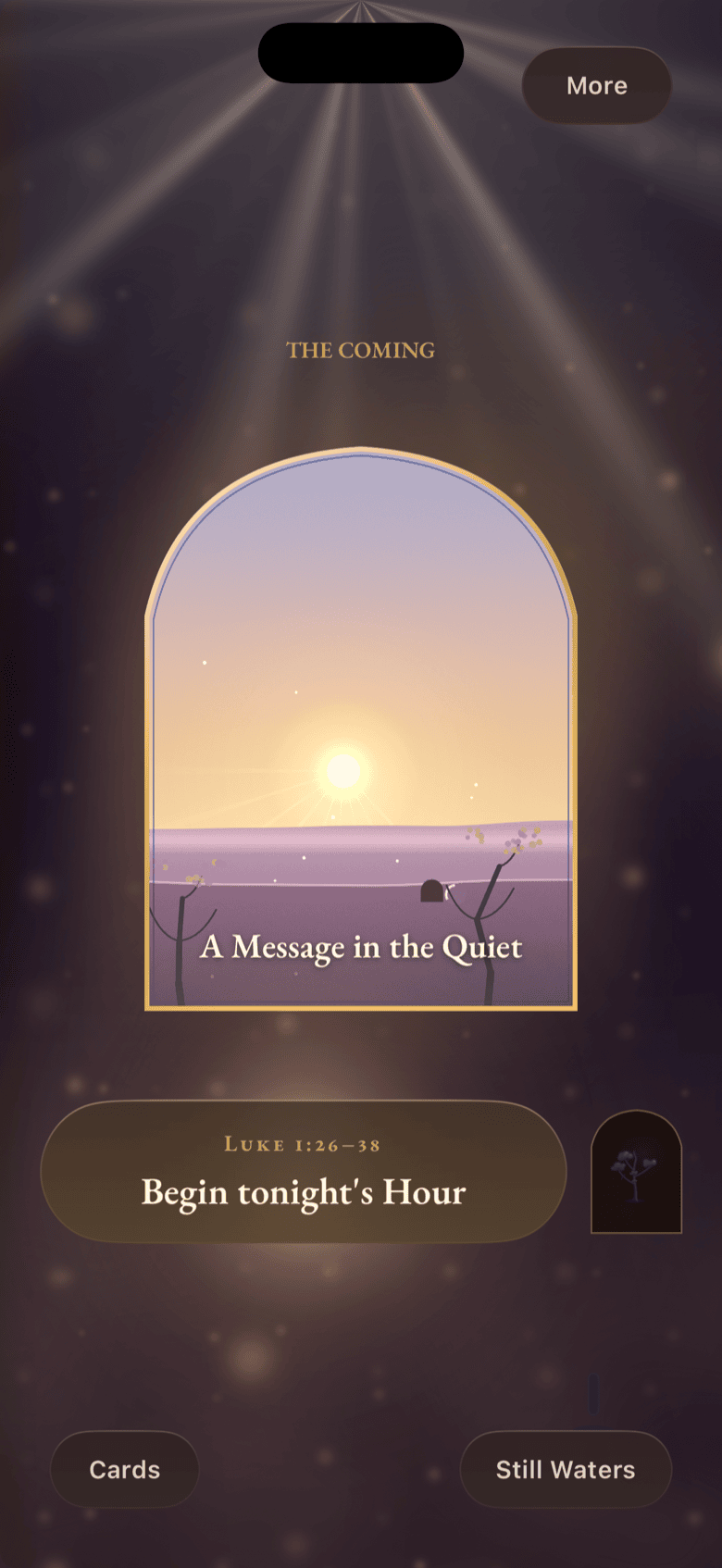
Not a quiz. A page to step into.
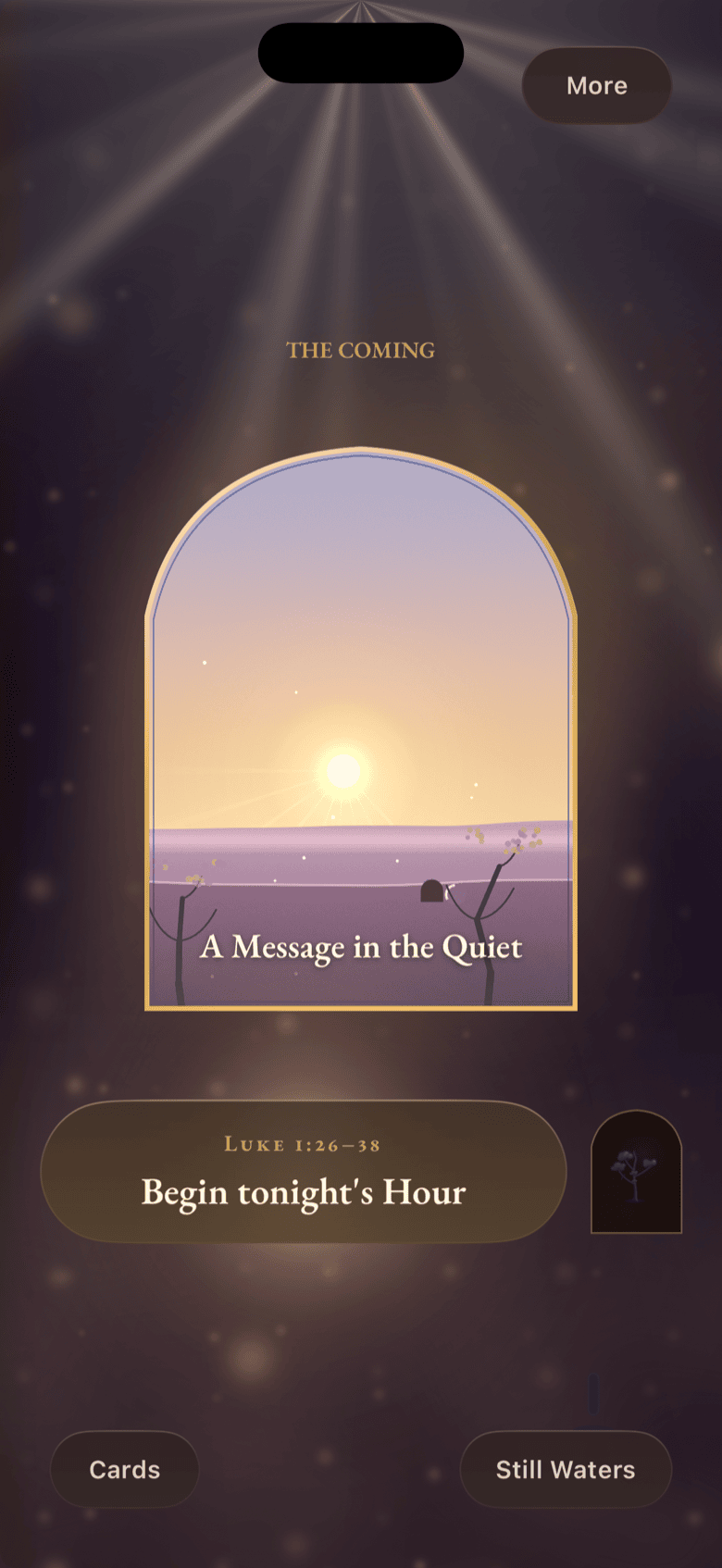
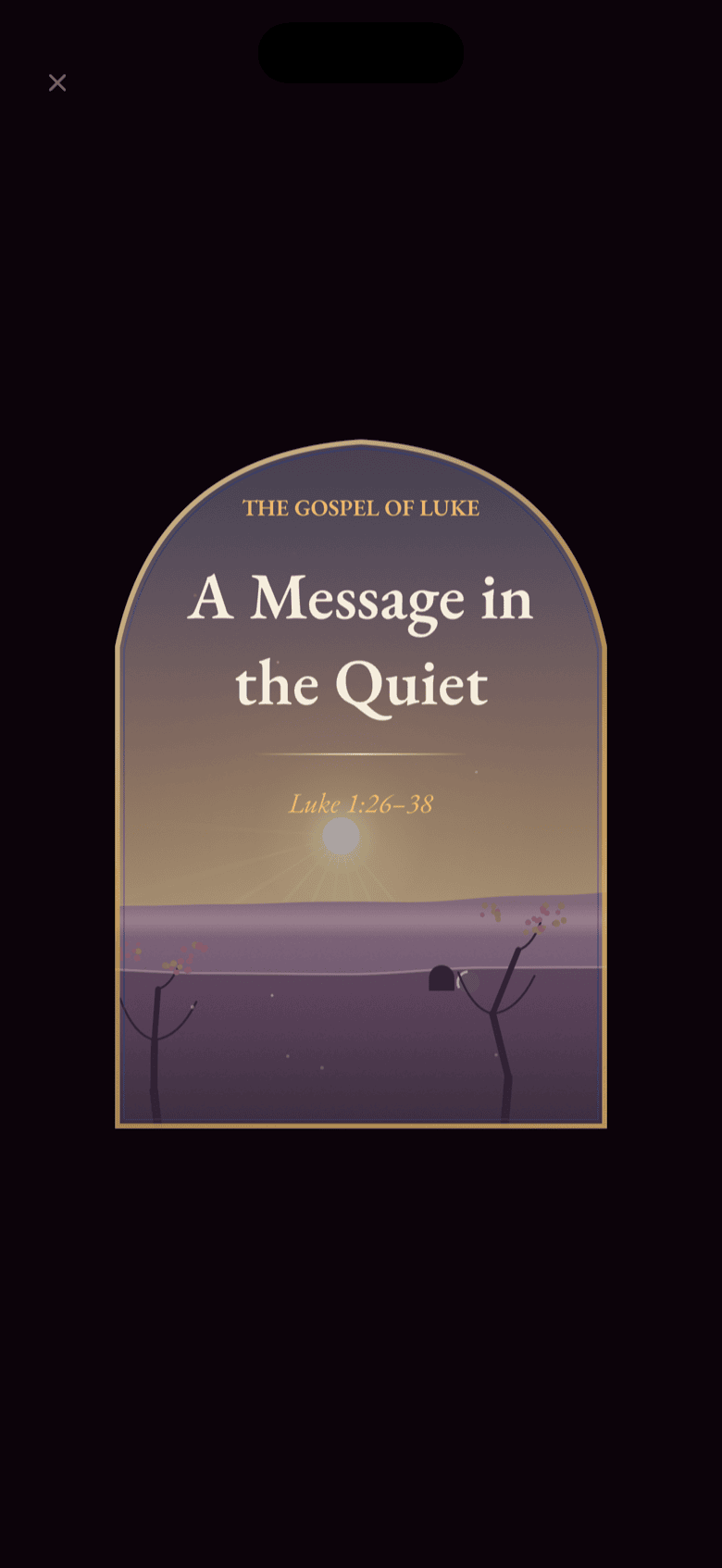
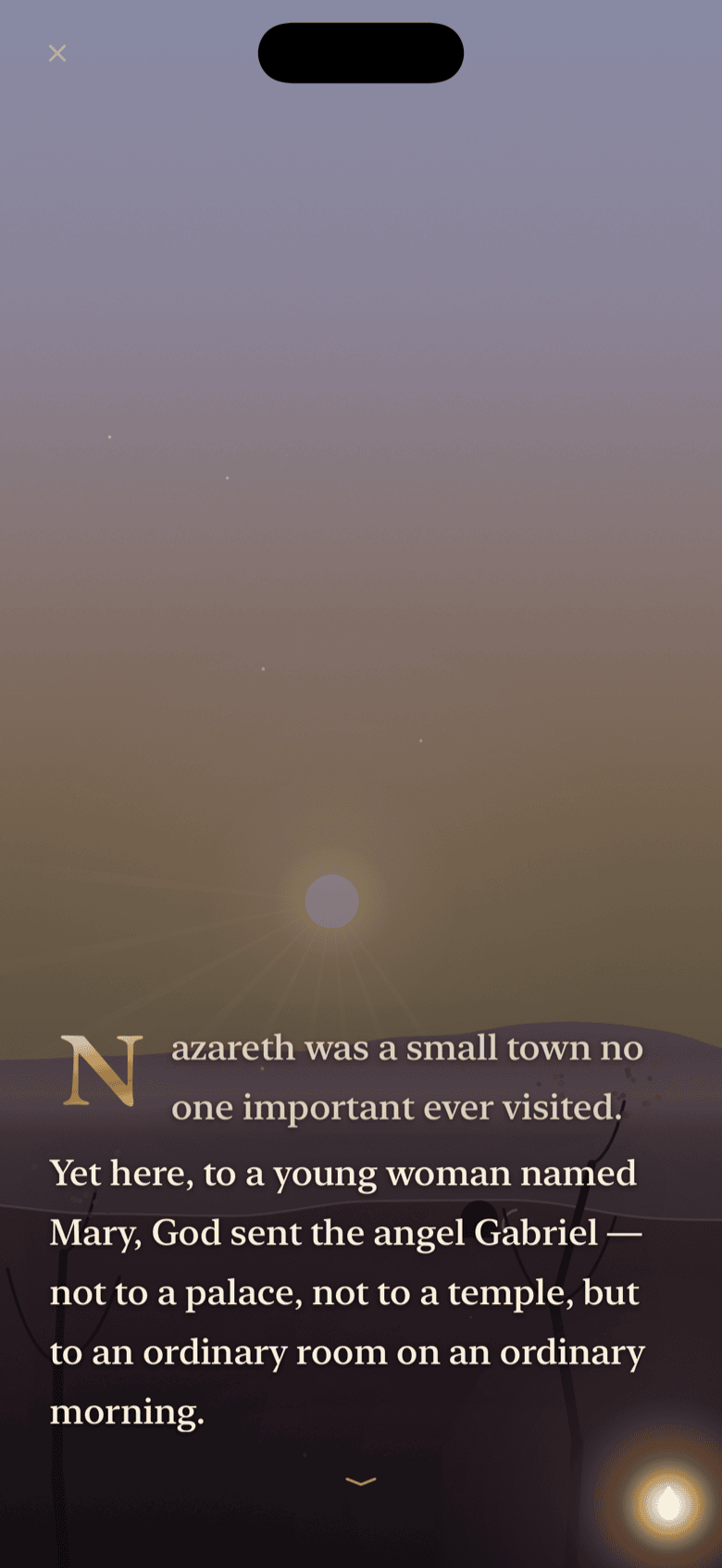
BibleGrow is a candlelit Bible app. Each evening it opens to a single illuminated page — voiced for you, gentle to walk, and quietly left in your collection when you close the book.
Walk the story
75 illuminated pages — 60 through the Gospel of Luke, 15 through Streams of Peace (Scripture for anxious nights). Five minutes each. Voiced narration. No timed buttons, no points, no losing.
Collect the windows
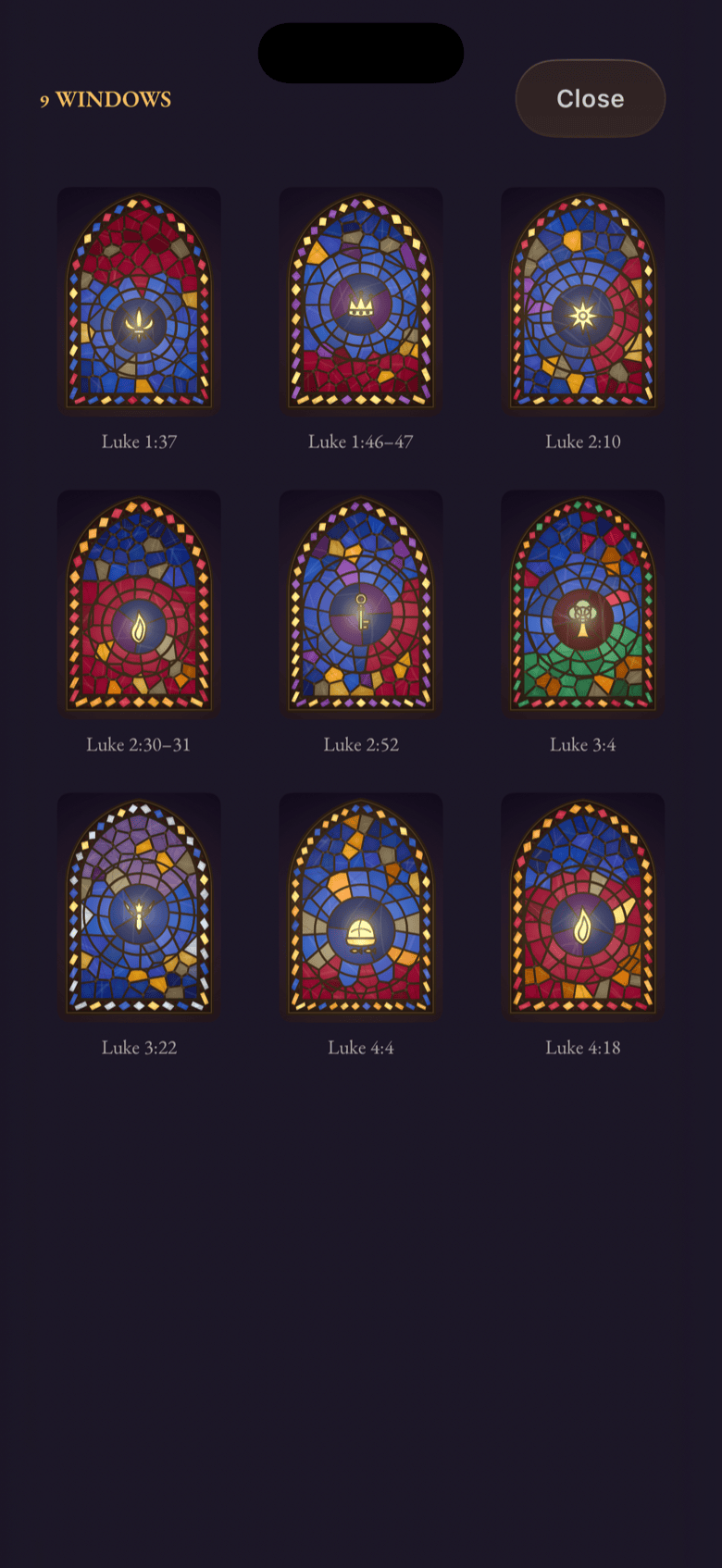
Finish a page and a stained-glass verse card joins your chapel — yours to revisit, share, or send to someone the verse was meant for. 75 windows in all when the journey is complete.
Faithful Scripture, five tongues
Public-domain translations chosen for trust, not novelty — WEB, BSB, CUV, RVR1909, ARC, LSG. Read in your own language; share verses across them. No paraphrase. No AI rewriting.
Designed for the evening, not the feed.
Warm dark, candle gold, vellum text — every screen built to be opened after the lights go down.
Free to walk. Pro when you're ready.
One page each evening is always free — for as long as you have the app. Pro is for the evenings you want to walk further, or come back to read again.
- One illuminated page per evening
- Replays — read finished pages again
- Your stained-glass chapel grows with you
- Sabbath rest day, streak grace
- All 5 languages
- No ads. No accounts. Ever.
Free is not a trial. It does not end.
- Walk more than one page in an evening
- Open the next chapter early
- Future seasonal series (Advent, Lent)
- Supports a tiny independent studio
- Cancel anytime in Settings
Annual works out to about $2.92/month. Billing is handled by Apple or Google Play, depending on your device.
Things people ask before opening the book.
Is it really free to try?
Yes — one illuminated page per evening, every evening, with no time limit and no ads. Grow Pro adds a 7-day free trial on the yearly plan, but you never have to start it.
Which translations do you use?
Trusted public-domain translations chosen for each language: WEB and BSB (English), CUV (繁體中文), RVR1909 (Español), ARC (Português), LSG (Français). Scripture is presented faithfully — never paraphrased, never rewritten by AI.
What if I miss a day? Will I lose anything?
No. Nothing in BibleGrow breaks, dies, or resets. There is a streak so you can see your faithfulness, but it has built-in Sabbath rest (one day a week off) and grace days. The story simply waits for you.
Is there a family plan?
On iPhone, BibleGrow Pro is included in Apple's Family Sharing, so one subscription can be shared with up to five family members on their own devices — at no extra cost. On Android, Pro is tied to the Google account that purchased it.
How do I cancel? What about refunds?
On iPhone, cancel in Settings → Apple ID → Subscriptions → BibleGrow; refunds are handled by Apple at reportaproblem.apple.com. On Android, cancel in the Play Store → Subscriptions → BibleGrow; refunds are handled by Google Play. Either way, cancelling keeps Pro active until the end of the period, your collected windows stay with you forever, and we have no payment processor of our own.
What about Android?
It's here — BibleGrow is now live on Google Play. We took the time to carry the candlelit look across faithfully rather than ship a hurried port. Tap the Android button above to open the listing and start your walk.